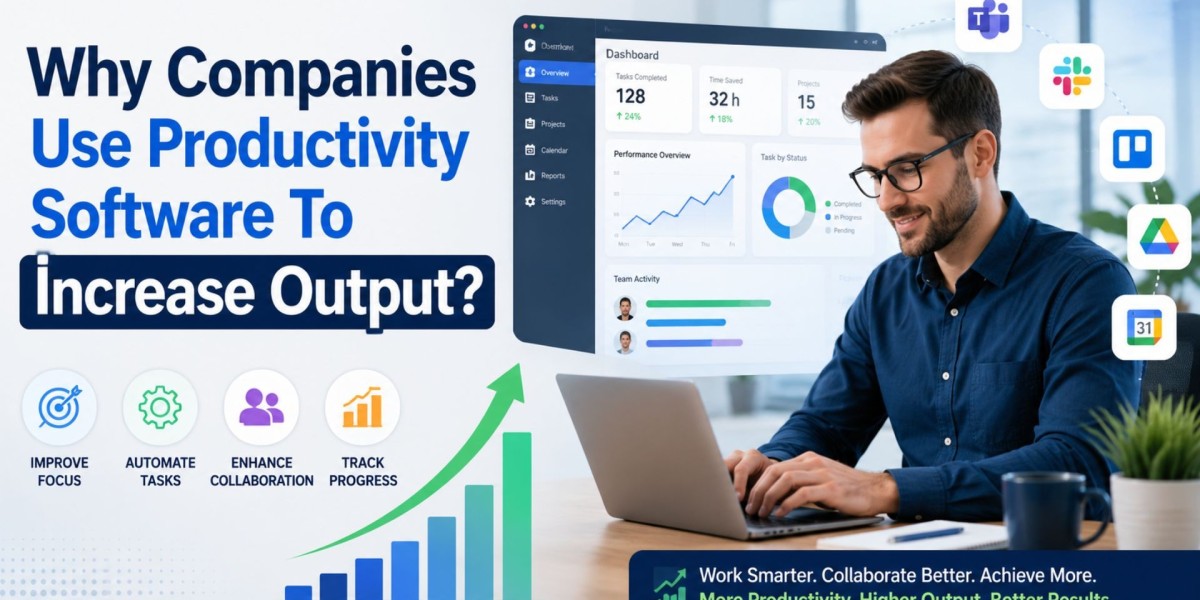
Why are modern companies completing projects faster while reducing employee burnout at the same time? The answer often lies in better workflow systems, automation, and centralized collaboration tools. Businesses today operate in highly competitive environments where delays, communication gaps, and repetitive manual tasks directly affect profits and customer satisfaction.
One of the most effective solutions organizations rely on is productivity software. From managing projects to streamlining communication and tracking performance metrics, these platforms help teams work with greater accuracy and consistency. After consulting with operations teams across startups and enterprise environments, one trend becomes clear: businesses that standardize workflows usually outperform those relying on scattered spreadsheets, disconnected apps, and manual coordination.
How Digital Workflow Systems Improve Daily Operations?
Modern workplaces generate massive amounts of data, conversations, approvals, and deadlines every day. Without a structured system, employees waste valuable hours searching for files, clarifying tasks, or attending unnecessary meetings.
According to research from McKinsey, employees spend nearly 20% of their workweek searching for internal information or tracking down colleagues. Centralized workflow platforms dramatically reduce this inefficiency.
Key Operational Benefits
- Faster task assignment and tracking
- Improved accountability across departments
- Reduced duplication of work
- Easier remote collaboration
- Better deadline visibility
For example, a mid-sized marketing agency I worked with reduced missed project deadlines by almost 35% after implementing automated approval workflows and shared task dashboards. Team leaders no longer needed constant follow-up emails because project visibility improved instantly.
Why Automation Helps Teams Produce More in Less Time?
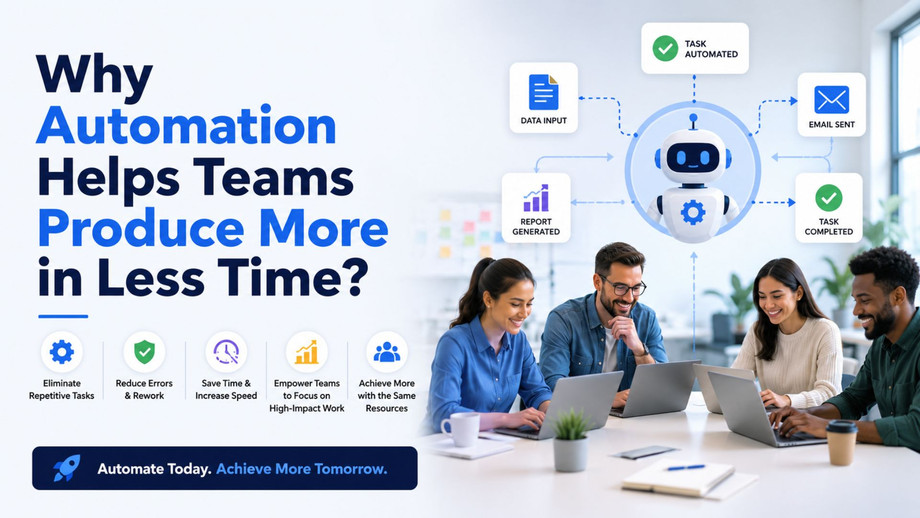
Many repetitive business activities still consume employee attention unnecessarily. Tasks such as status reporting, invoice approvals, file organization, and reminder notifications can now be automated efficiently. Instead of spending hours on repetitive administrative work, employees can focus on strategic responsibilities that require creativity and decision-making. Modern productivity tools also help teams streamline communication, track progress, and manage workflows more effectively across departments.
In real-world business environments, automation significantly improves speed and consistency. For example, weekly performance reports that previously required several hours of manual data collection can now be generated automatically within minutes. Similarly, task reminders, employee scheduling, and document approvals no longer require long email chains or constant follow-ups. This not only saves time but also reduces communication delays across departments.
Automation also minimizes human error. In industries like finance, healthcare, and logistics, even small mistakes can create expensive operational issues. Standardized digital processes improve consistency while allowing employees to concentrate on higher-value tasks instead of repetitive administration.
Quick Practical Tip
Companies adopting workflow tools should begin with one department first, rather than attempting company-wide implementation immediately. Pilot testing allows managers to identify adoption challenges before scaling operations.
Essential Features
Collaboration Capabilities
Teams need real-time communication, document sharing, and centralized discussions to avoid fragmented conversations.
Analytics and Reporting
Executives benefit from dashboards that show project progress, workload distribution, and operational bottlenecks.
Integration Support
The best systems connect with CRM platforms, cloud storage, payroll software, and communication apps.
Security Standards
Enterprise-grade encryption, role-based access controls, and compliance certifications are critical for protecting sensitive information.
A manufacturing company I consulted for improved cross-department coordination significantly after integrating workflow dashboards directly into existing ERP systems. Employees adapted faster because the transition did not disrupt familiar processes.
How Smarter Workflows Support Employee Well-Being
Increased output does not always require employees to work longer hours. In fact, poorly organized environments often create stress through constant interruptions and unclear expectations. Effective Project Tracking systems help teams monitor deadlines, responsibilities, and workflow progress without creating unnecessary pressure or confusion.
Well-structured systems improve workplace balance by:
- Reducing unnecessary meetings
- Clarifying responsibilities
- Limiting duplicate communication
- Preventing missed deadlines
- Improving workload transparency
Harvard Business Review has repeatedly highlighted that employee burnout frequently results from chaotic work structures rather than workload volume alone. Better organization reduces mental fatigue and improves long-term performance stability.
This is especially important for remote and hybrid teams where asynchronous communication has become standard practice.
Real-World Productivity Software Examples Businesses Commonly Use
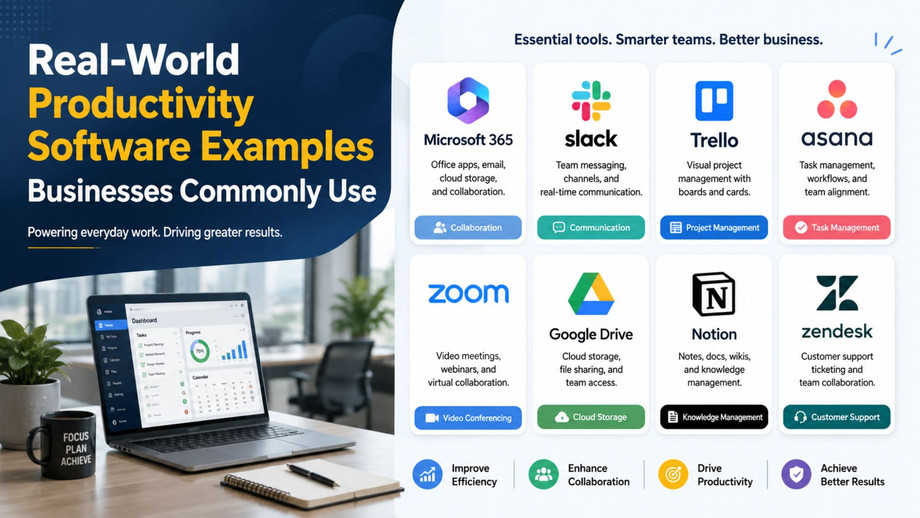
Many organizations select tools based on industry size, collaboration needs, and technical complexity. Popular productivity software examples include project management platforms, communication hubs, document collaboration suites, and workflow automation systems.
Startups often prioritize flexibility and affordability, while enterprise organizations focus more heavily on scalability, compliance, and analytics. The most effective companies regularly review tool performance instead of assuming one platform will remain ideal forever.
A common mistake businesses make is purchasing overly complex systems with features employees rarely use. Simplicity and usability usually drive stronger adoption rates than feature-heavy interfaces.
You can also watch:- The Future of Work | Top Industry Insights & HR Strategies (Coming Soon) ??
Conclusion
Organizations that improve operational clarity, automate repetitive tasks, and centralize collaboration often experience measurable gains in efficiency and employee satisfaction. While technology alone cannot solve leadership or communication problems, the right systems create a stronger foundation for scalable growth and smarter execution.
Businesses investing in productivity software typically achieve faster workflows, better accountability, and improved decision-making over time. Companies that adapt early are usually better prepared for evolving workplace demands, hybrid collaboration models, and increasing customer expectations.
FAQs
Q: What does workplace efficiency technology actually do for businesses?
A: These systems help organizations manage tasks, automate repetitive work, centralize communication, and improve collaboration. They reduce delays, improve accountability, and give managers better visibility into operations and employee workloads.
Q: Which industries benefit the most from workflow management platforms?
A: Technology, healthcare, marketing, logistics, education, and finance industries often see major benefits because they manage large volumes of tasks, approvals, communication, and compliance-related activities daily.
Q: How do companies successfully introduce new workflow systems?
A: Most successful businesses begin with one department, provide employee training, gather feedback, and gradually expand implementation. Phased adoption reduces resistance and helps teams adjust more naturally.
Q: Are these platforms expensive for small businesses?
A: Costs vary widely. Many cloud-based solutions offer affordable subscription plans for startups and small teams. Businesses should focus on return on investment rather than only initial pricing.
Q: What is the biggest mistake companies make when adopting digital workflow tools?
A: Many organizations choose overly complicated systems packed with unnecessary features. Low usability often reduces employee adoption and weakens overall implementation success.
Q: Which option is best for remote or hybrid teams?
A: The strongest solutions usually combine task management, real-time communication, file sharing, and reporting dashboards in one environment. Ease of collaboration and mobile accessibility are especially important for distributed teams.