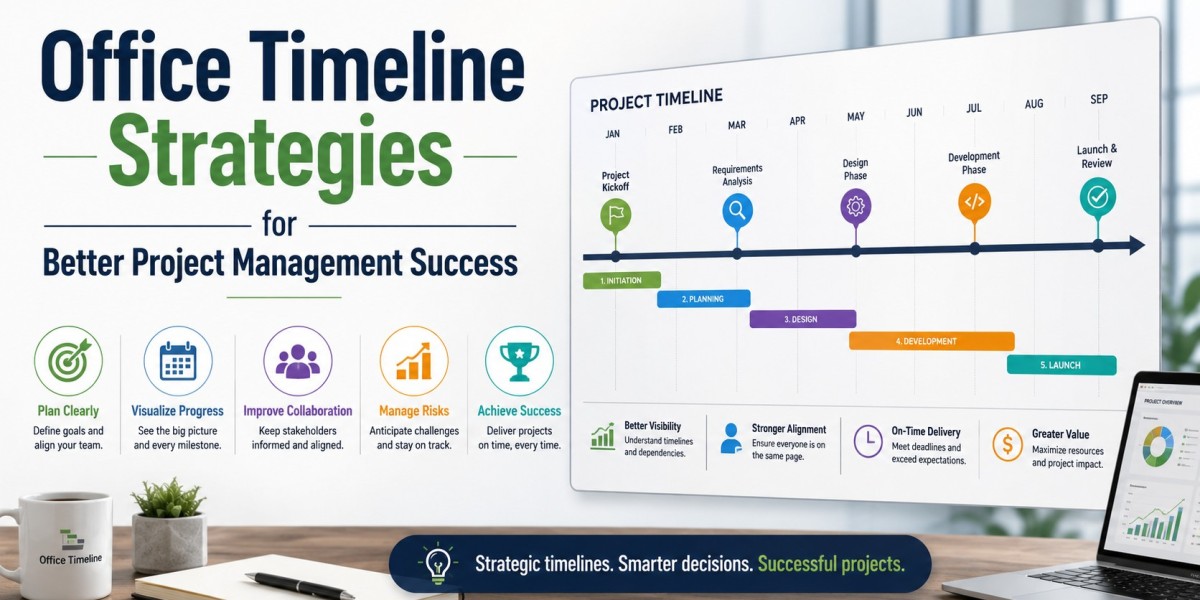
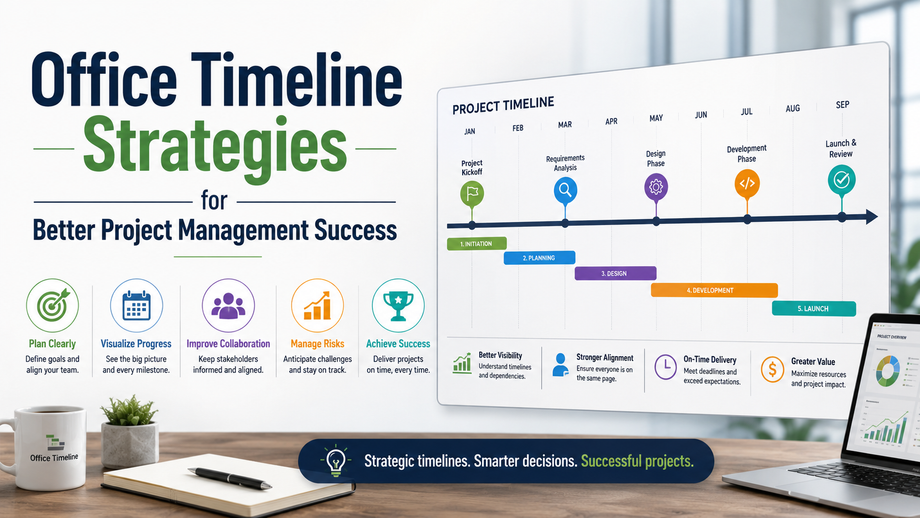
Why do so many projects miss milestones even when teams work hard every day? In most cases, the issue is not effort; it is poor visibility, weak planning, and disconnected workflows. A well-structured office timeline helps managers track priorities, allocate resources correctly, and prevent delays before they happen.
After managing cross-functional projects for more than a decade, I’ve seen timelines transform chaotic operations into predictable and measurable systems. Whether launching a product, handling client deliverables, or coordinating remote teams, timeline-based planning improves accountability and communication. Modern organizations now rely on visual scheduling methods because they reduce confusion, improve decision-making, and help leaders respond quickly when priorities shift unexpectedly.
Why Timeline Planning Improves Project Outcomes?
Project timelines do more than display dates. They create operational clarity. According to the Project Management Institute (PMI), organizations with mature planning processes complete significantly more projects on time and within budget compared to companies with inconsistent scheduling methods.
Key Benefits of Structured Timeline Management
- Improves visibility across departments
- Helps identify risks earlier
- Simplifies stakeholder reporting
- Enhances workload balancing
- Reduces unnecessary meetings
- Creates measurable accountability
One manufacturing client I consulted struggled with repeated launch delays because teams worked in isolated systems. By implementing milestone-based planning and weekly timeline reviews, the company reduced delivery delays by nearly 28% within six months.
Common Causes of Timeline Failure
Many teams fail because they:
- Underestimate task dependencies
- Ignore buffer time
- Overload high-performing employees
- Lack of centralized communication
- Fail to update schedules consistently
Experienced project managers treat timelines as living systems rather than static charts.
How to Build a Practical Timeline That Teams Actually Follow?
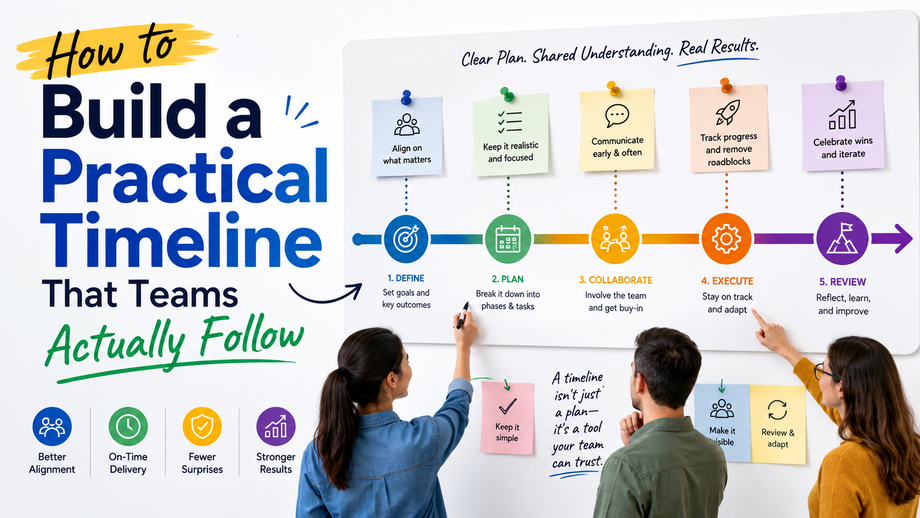
A successful timeline must be realistic, collaborative, and easy to understand. Complex schedules often fail because employees stop referencing them after the initial kickoff meeting.
Start With Clear Milestones
Break projects into:
- Planning phase
- Execution stage
- Quality review
- Final delivery
- Post-project analysis
Each milestone should include ownership, estimated duration, and measurable outcomes.
Use Dependency Mapping
Dependency mapping identifies tasks that cannot begin until others finish. This prevents bottlenecks and improves forecasting accuracy.
For example:
- Design approval before development
- Procurement before installation
- Testing before deployment
Ignoring dependencies is one of the fastest ways to create missed office deadlines and resource conflicts in larger organizations.
Keep timelines visible.
High-performing teams keep schedules accessible through:
- Shared dashboards
- Cloud collaboration tools
- Weekly review meetings
- Real-time progress updates
Transparency improves accountability because everyone understands how their work impacts the broader objective.
What Are the Best Tools for Managing Complex Projects?
Modern project environments require flexible tools that support collaboration, automation, and reporting to keep teams aligned and productive. The best project management tools help organizations track milestones, assign responsibilities, monitor progress, and reduce communication gaps across departments. Gantt chart software is widely used for long-term planning because it provides a visual overview of deadlines, dependencies, and project stages. Agile teams often prefer Kanban boards since they allow faster task updates and workflow adjustments in real time. Resource management platforms help managers balance workloads efficiently, preventing employee burnout and improving productivity. Collaboration tools are equally important for remote and hybrid teams because they centralize communication, document sharing, and progress tracking in one place. In my experience managing large-scale business operations, companies that combine timeline visualization with collaborative reporting through office timeline solutions often achieve stronger coordination, faster decision-making, and more consistent project delivery outcomes across multiple departments and teams.
Quick Tip Box
Practical Strategy:
Review project timelines every Friday instead of waiting for monthly status meetings. Small weekly adjustments prevent major scheduling failures later.
One software implementation project I advised used weekly timeline recalibration sessions. That single operational change reduced emergency escalations by nearly 40% during deployment cycles.
Why Communication Matters More Than Scheduling Alone?
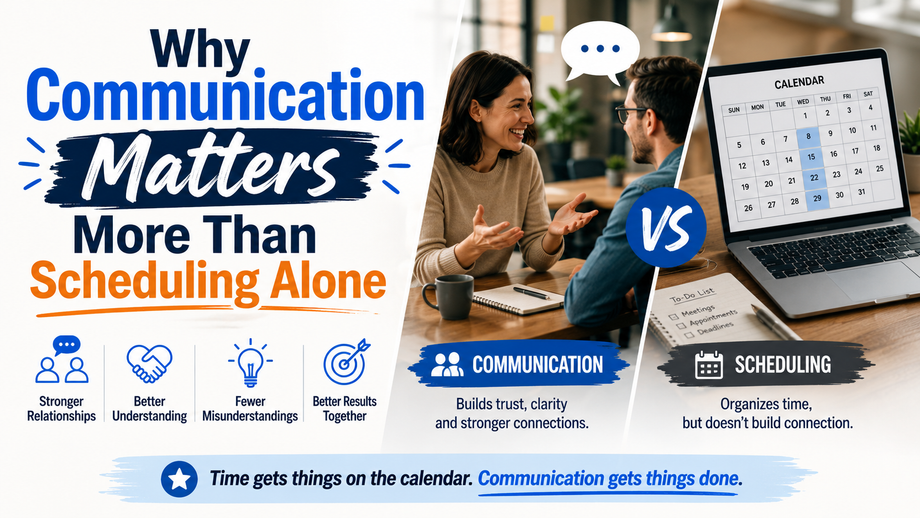
Even the best project roadmap fails without consistent communication. Teams need clarity on expectations, priorities, and ownership.
Establish Communication Cadence
Effective managers typically use:
- Daily stand-ups for urgent projects
- Weekly progress reviews
- Monthly stakeholder summaries
- Automated reporting systems
Communication should focus on:
- Risks
- Progress gaps
- Resource shortages
- Timeline changes
Organizations that align communication with scheduling processes typically create a healthier office culture because employees feel informed instead of reactive.
Encourage Accountability Without Micromanagement
Strong project leaders avoid excessive oversight. Instead, they:
- Define measurable goals
- Clarify responsibilities
- Monitor outcomes instead of activity
- Support problem-solving early
This approach improves trust while maintaining operational control.
Conclusion
Successful project management depends on visibility, communication, and realistic execution planning. Teams that use structured timelines consistently achieve stronger coordination, fewer delays, and better resource management. The most effective leaders treat timelines as dynamic tools that evolve alongside project demands rather than rigid schedules.
As business operations become increasingly fast-paced, investing in smarter Office timeline strategies can improve both productivity and team confidence. Start with small process improvements, refine your workflow regularly, and encourage collaborative planning across departments for long-term success.

FAQs
Q: What is an office timeline in project management?
A: An office timeline is a structured visual schedule that outlines project tasks, milestones, deadlines, and dependencies. It helps teams coordinate activities, track progress, and manage workloads efficiently while improving visibility across departments and stakeholders.
Q: How is a timeline different from a project schedule?
A: A timeline focuses on visual sequencing and milestone tracking, while a project schedule often includes detailed resource allocation, budgeting, and operational planning. Timelines simplify communication, whereas schedules provide deeper execution management.
Q: How can I create a project timeline that employees actually follow?
A: Build realistic milestones, involve team members during planning, define dependencies clearly, and review progress consistently. Teams follow timelines more effectively when expectations are transparent, and updates are easy to access.
Q: What is the best software for managing business timelines?
A: The best platform depends on workflow needs. Gantt-based tools work well for structured enterprise projects, while Kanban systems support agile teams. Collaboration platforms are ideal for remote or hybrid workplaces.
Q: Why do project timelines fail even with experienced teams?
A: Timelines often fail because of unrealistic expectations, poor communication, resource overload, and lack of regular updates. Many organizations also underestimate how small delays affect downstream tasks and delivery dates.
Q: How much time should managers spend updating timelines?
A: Most experienced managers spend 30–60 minutes weekly reviewing timeline progress, identifying risks, and adjusting priorities. Short, consistent reviews are usually more effective than infrequent, large planning sessions.